Emergency Medication List Builder
| Name | Relation | Phone |
|---|---|---|
Live Preview
Wallet Card SizeYour Name
DOB: --/--/---- | Blood: ---- Add medications to see them here
Imagine this: you’re in a car accident. You’re unconscious. Paramedics rush to your side, but they have no idea what’s in your system. Are you on blood thinners? Do you have a severe penicillin allergy? Without that info, every decision they make is a guess. That gap in knowledge can cost lives. This is exactly why an emergency information card is a portable document containing critical health information accessible by healthcare providers during emergencies when a patient cannot communicate. It’s not just a piece of paper; it’s your voice when you can’t speak.
We often think emergencies happen to other people. But the truth is, if you take any medication-prescription, over-the-counter, or even daily vitamins-you need this card. The U.S. Food and Drug Administration (FDA) reports that about 66% of American adults take at least one prescription drug. For those of us managing multiple conditions, this list is the difference between safe treatment and a dangerous error.
Why Your Medication List Is a Lifesaver
Medication errors are scary common. A landmark report by the Institute of Medicine found that these errors account for thousands of deaths annually. When first responders don’t know what you’re taking, they might give you a drug that interacts badly with your current meds. Or worse, they might withhold a necessary treatment because they aren’t sure of your allergies.
An accurate list speeds up care. A 2019 study in the Journal of Emergency Medicine showed that having immediate access to patient data can cut emergency evaluation time by 15 to 20 minutes. In trauma situations, that’s the "golden hour" where seconds count. Dr. Robert M. Cooper from the FDA noted that these lists help paramedics make informed decisions, preventing fatal interactions like mixing blood thinners with certain emergency antibiotics.
It’s not just about pills. If you have a life-threatening diagnosis, a specific code status (like DNR), or a rare allergy, this card tells your story instantly. It bridges the gap between your silence and their action.
What Exactly Goes on the Card?
You might think listing your pill names is enough. It’s not. To be truly effective, your card needs specific details. Here is what authoritative sources like the FDA and Drexel Medicine say you must include:
- Allergies: List the substance and the reaction (e.g., "Penicillin - Anaphylaxis").
- Prescription Medications: Include the generic name, brand name, strength (dosage), and frequency.
- Over-the-Counter (OTC) Drugs: Don’t forget ibuprofen, antihistamines, or sleep aids.
- Vitamins and Supplements: Herbal remedies can interact with drugs too.
- Emergency Contacts: At least two people who know your health history.
- Blood Type: Useful in trauma scenarios requiring transfusions.
- Medical Conditions: Diabetes, heart disease, epilepsy, etc.
If you have children, add their weight in kilograms. Pediatric dosing depends heavily on weight, and parents often panic and forget this number during crises. Also, note any medications you stopped due to bad side effects. This helps doctors avoid repeating mistakes.
Paper vs. Digital: Which Format Works Best?
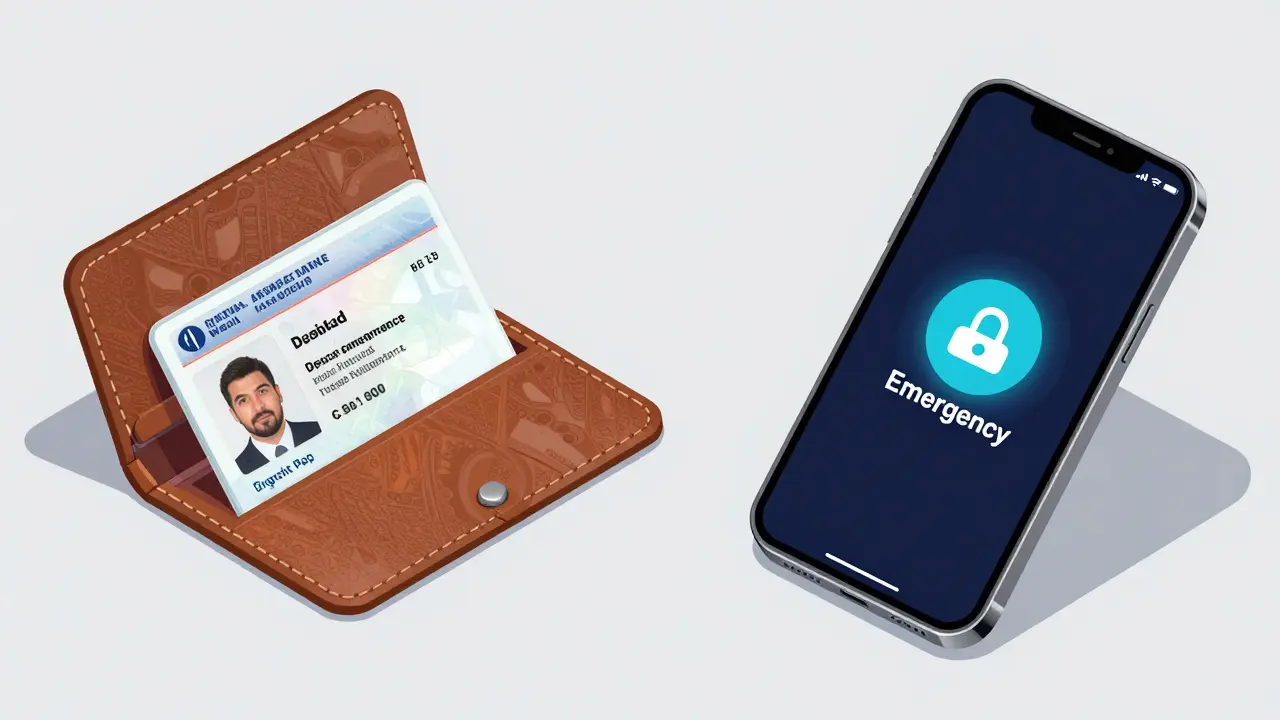
You have two main choices: a physical wallet card or a digital ID on your phone. Both have pros and cons. Let’s break them down so you can choose what fits your life.
| Feature | Paper Wallet Card | Digital Medical ID (Phone) |
|---|---|---|
| Accessibility | Always available if carried | Requires charged device |
| Update Ease | Manual (use pencil!) | Instant app update |
| Access Rate in ER | 78% when present | 32% (but phones are present 92% of time) |
| Durability | Can tear or get wet | Can break or die |
| Cost | Free (printable templates) | Free (built into iOS/Android) |
The Paper Option: Simple and reliable. The CDC recommends using a pencil so you can erase and update easily. Print a template from the FDA’s "My Medicines" form or buy a durable plastic card. Keep it in your wallet, next to your driver’s license. The downside? People forget to carry wallets, or the card gets outdated.
The Digital Option: Most of us carry our phones everywhere. Apple introduced Medical ID in iOS 8, allowing users to store health info accessible from the lock screen. Android has a similar feature. First responders are trained to look for this. However, if your phone is smashed in an accident or the battery is dead, this info is gone. Plus, a 2021 study found that while 92% of patients had smartphones, only 32% of those IDs were actually accessed in emergencies compared to 78% for paper cards when they were present.
Pro Tip: Use both. Carry a paper card as your backup. Set up your digital ID for convenience. Redundancy saves lives.
Step-by-Step: How to Create Your List
Creating this card takes about 15 minutes. Do it now. Here is how to do it right, based on FDA guidelines:
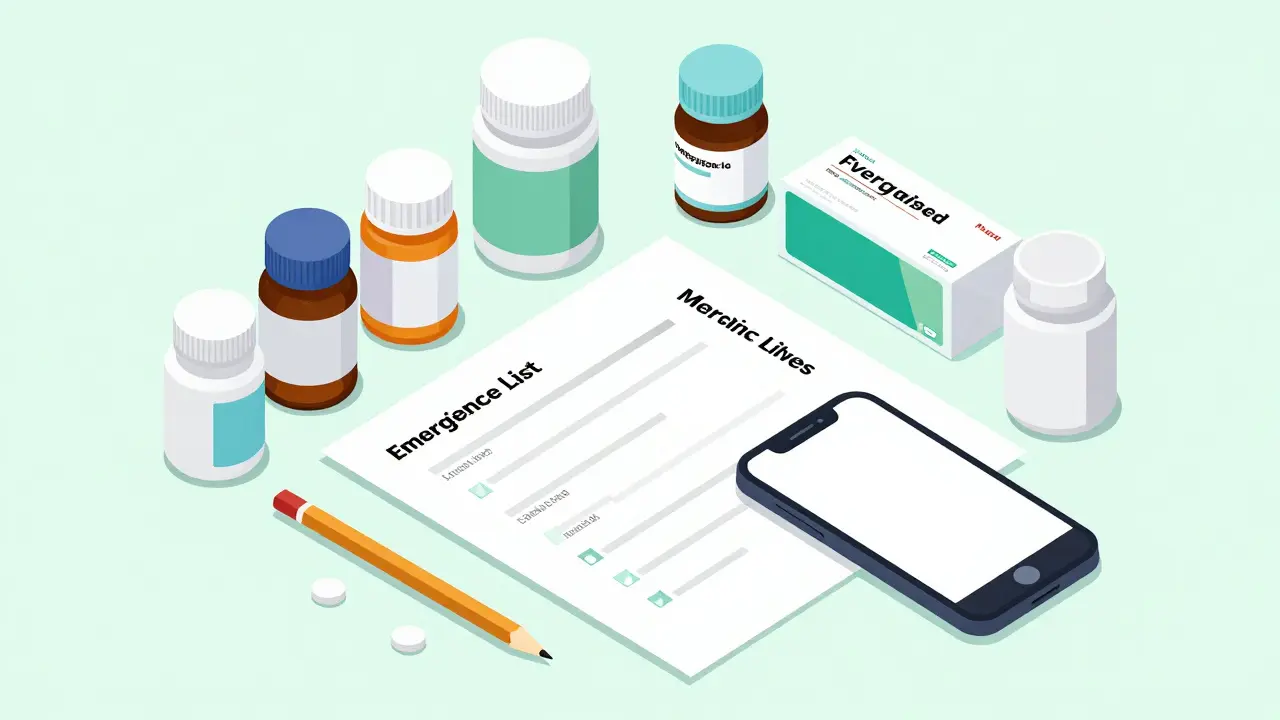
- Gather Everything: Dump all your pill bottles on the table. Include prescriptions, OTC meds, vitamins, and supplements.
- Record Details: For each item, write down the name, dosage (e.g., 500mg), and how often you take it. If you take it "as needed," specify when (e.g., "for headaches").
- Add Personal Info: Write your full name, date of birth, blood type, and emergency contacts.
- List Allergies: Be specific. "Nuts" isn’t enough. Say "Peanuts - Swelling of throat."
- Verify: Take the list to your pharmacist. They can check for accuracy and flag any potential interactions you didn’t know about.
- Store Smartly: Laminate the paper card. Save a copy in your cloud storage. Update your phone’s Medical ID.
Don’t skip the verification step. A 2021 study found that only 45% of patients over 65 correctly documented dosage info without help. Pharmacists are your best friend here.
The Biggest Mistake: Letting It Get Outdated
A wrong list is worse than no list. Dr. David S. Mendelson warned in JAMA Internal Medicine that inaccurate info can lead to dangerous treatments. If you start a new med, stop one, or change a dose, update your card immediately.
Make updating part of your routine. Every time you refill a prescription, check your card. Show it to your doctor at every visit. Ask them to sign off on it. This creates a habit loop that keeps your info fresh.
Privacy concerns are real, but remember: this card is for emergencies. The info is already in your pharmacy records. Keeping it private means only sharing it with trusted medical professionals. Digital IDs are protected by HIPAA-compliant systems, and paper cards are small enough to keep discreet.
Special Considerations for Families
If you manage meds for kids or elderly parents, create separate cards for each person. Children’s needs change fast. Note their last weighed weight. For seniors, polypharmacy (taking many drugs) is common. The American College of Emergency Physicians emphasizes that anyone aged 65+ or taking five or more meds needs this card urgently.
For travel, keep a digital copy in your email and a paper copy in your luggage. If you’re flying internationally, consider a card translated into the local language. Apps like TripIt or dedicated medical apps can help, but a simple printed sheet is universally understood.
Next Steps: Make It Happen Today
You don’t need to buy anything expensive. Go to the FDA website and download the "My Medicines" template. Print two copies. Fill them out with a pencil. Put one in your wallet. Give the other to your emergency contact. Then, spend five minutes setting up your phone’s Medical ID.
This small act could save your life. It’s free, easy, and powerful. Don’t wait for an emergency to realize you’re unprepared. Build your safety net today.
Do I really need an emergency card if I’m young and healthy?
Yes. Even if you seem healthy, you might have undiagnosed conditions or take occasional OTC meds. Accidents happen to everyone. Having basic info like blood type and allergies helps paramedics act faster and safer.
Should I use pen or pencil for my paper medication list?
Use pencil. The CDC recommends this because you can easily erase and update changes. Ink makes corrections messy and hard to read in high-stress situations.
How often should I update my emergency information card?
Every time your medication regimen changes. Add new prescriptions, remove discontinued ones, and adjust dosages immediately. Review it with your doctor at every annual checkup.
Can first responders see my phone’s Medical ID if it’s locked?
Yes. Both Apple’s Medical ID and Android’s emergency info are designed to be accessible from the lock screen without entering a passcode. Look for the "Emergency" button on the login screen.
Is it safe to share my medical info publicly on a card?
This info is for medical emergencies only. It’s not covered by HIPAA if you maintain it personally. Keep the card in your wallet or phone, not posted online. Trust that healthcare providers will use it responsibly.